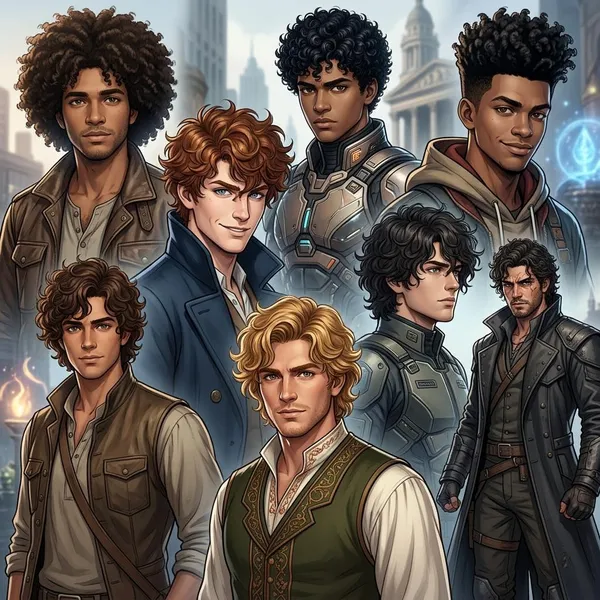
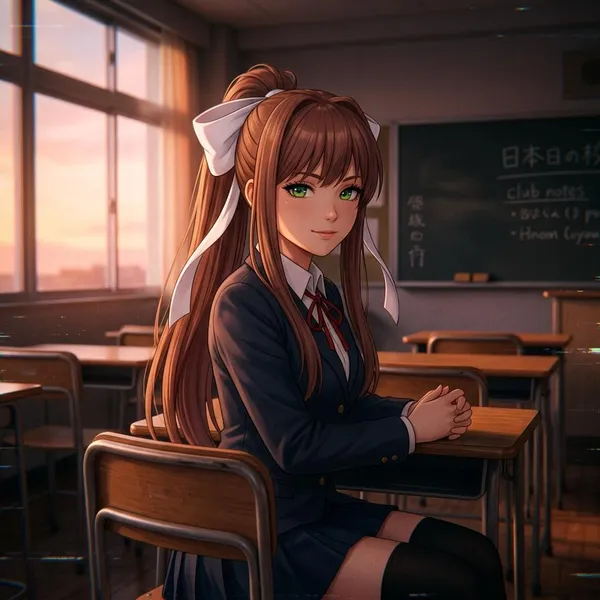
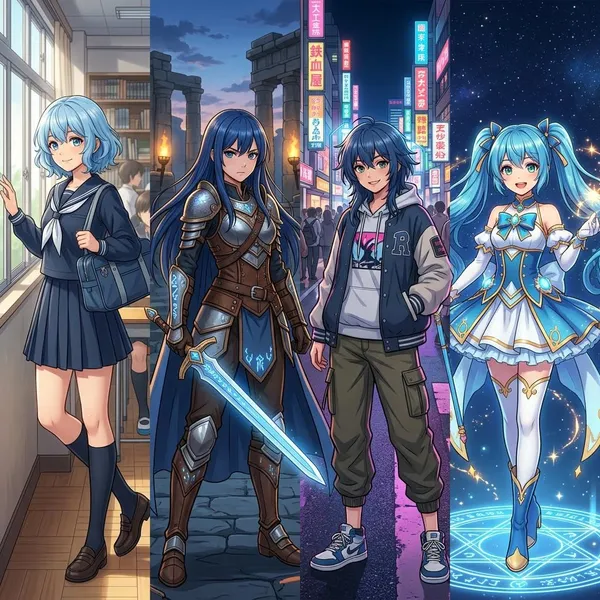
If you want anime AI party characters that look like a real team, start with roles and consistency before chasing perfect artwork. One good portrait is easy; a reusable cast needs stable designs, distinct personalities, and a simple way to repeat the same look in future scenes.
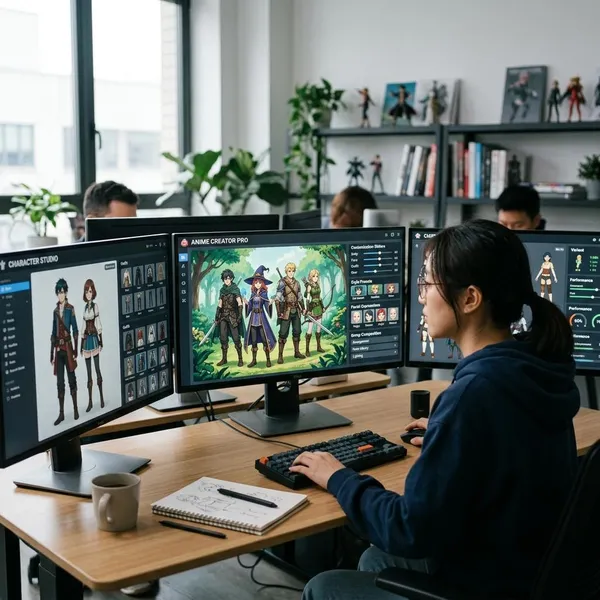
What Are Anime AI Party Characters?
Anime AI party characters are a group of anime-style characters created with AI tools and designed to work together. They might be a fantasy RPG team, a school club, an idol unit, a sci-fi crew, or a set of original characters for roleplay and story planning.
AI-generated anime character groups
AI-generated anime character groups are mainly visual casts made with image generators. They can include solo portraits, full-body designs, expression sheets, and group scenes. For beginners, separate portraits are usually the safest starting point because crowded group prompts often mix outfits, faces, and accessories.
Interactive anime AI party personas
Interactive anime AI party personas add voices, habits, memories, and relationship rules through chat tools. This is useful when the characters are meant for roleplay, dialogue testing, visual novel planning, or private story development.
- Use chat personas for voice testing: the shy healer, blunt rival, and calm leader should not answer in the same tone.
- Use relationship notes: rivalry, loyalty, teasing, fear, or admiration gives the group more believable chemistry.
- Keep persona files short: a focused profile is easier to reuse than a long biography full of vague traits.
RPG teams and original character collections
RPG teams are a natural fit because party roles are already clear: leader, tank, mage, support, scout, rogue, or comic relief. Original character collections can be broader, such as a detective group, magical girl team, café staff, or slice-of-life friend circle.
Best Ways to Create Anime AI Party Characters
The best method depends on what you want the party to do. If you need artwork, begin with an anime-friendly image generator. If you need interaction, build chat personas. If you want a cast you can reuse for months, combine both and keep a record of prompts, references, and character rules.
Using AI image generators for character design
Image generators are best for testing faces, outfits, colors, silhouettes, and group style. Generate each character alone first, then compare them side by side before attempting a full party scene.
Do not start with a prompt like "five anime heroes standing together" if you care about consistency. That may create a fun image, but it gives you little control over who is who. A better workflow is to lock in the leader, support, fighter, mage, and wildcard one by one, then build the lineup after their designs are stable.
Using AI chat tools for interactive characters
Chat tools help you discover whether the characters actually feel different. Give each persona a role, speech style, emotional pattern, and one or two relationship notes with the rest of the party.
Combining images and personalities for complete casts
The strongest setup is usually one visual reference plus one compact persona profile for each character. The visual reference keeps the design recognizable; the persona profile keeps the behavior consistent.
- Portrait: face, hair, outfit, color palette, and signature accessory.
- Role note: what the character contributes to the group.
- Voice note: how they speak when calm, stressed, or challenged.
- Relationship hook: one clear bond or conflict with another party member.
What Features Matter in Anime AI Party Tools?
For party creation, the most important feature is not "pretty output." It is repeatability. A tool that creates one impressive anime portrait may still be frustrating if it cannot preserve the same face, outfit, and style across new scenes.
Character consistency across scenes
Character consistency means the same party member remains recognizable in portraits, battle poses, casual outfits, and group scenes. Look for features such as image references, seed reuse, saved prompt presets, image-to-image tools, or character reference modes.
Multi-character generation and group layouts
Multi-character generation is where many AI tools struggle. Common issues include blended costumes, swapped accessories, mismatched heights, duplicated faces, or hands and weapons merging between characters.
For a clean party layout, decide whether you need a true generated group scene or a composed lineup. A direct group prompt is fine for mood boards. A composed or edited layout is better when each member must stay accurate.
Style control and customization options
Style control keeps the cast inside the same visual world. Useful controls include model choice, aspect ratio, lighting direction, color guidance, negative prompts, pose references, and consistent art-style wording.
The mistake to avoid is changing style language every time you prompt. If one character is described as "soft pastel TV anime" and another as "dark cinematic semi-realistic manga," they may both look good separately but fail as a team.
Editing and variation features
Editing tools are valuable because most AI results are partly right, not completely right. Inpainting, variation tools, background replacement, and partial edits let you fix one problem without losing the whole image.
How to Create Anime AI Party Characters Step by Step
A reliable workflow starts broad, then gets specific: define the party, design each member, test the group, and save the system. Skipping straight to group images is tempting, but it usually creates more cleanup later.
Define each character's role and personality
Give every member a job in the group and a behavior pattern. You do not need a full backstory yet; you need enough direction to stop the characters from overlapping.
- Leader: makes decisions, carries pressure, sets the group tone.
- Support: heals, protects, calms conflict, or notices emotional details.
- Wild card: creates risk, humor, surprise, or tension.
- Specialist: has a skill the rest of the party depends on.
Choose a visual style and AI tool
Pick the visual world before choosing detailed outfits. Bright academy anime, gothic fantasy, retro manga, cyberpunk idol, and cozy slice-of-life all push the cast in different directions.
Then choose tools based on the job. An image generator can handle portraits, an editor can fix details, and a chatbot can test voices. For a quick concept, one tool may be enough. For a reusable cast, a mixed workflow is usually easier to control.
Create prompts for individual characters
Write individual prompts with a shared structure: role, visual anchors, outfit, expression, pose, setting cue, and style. Keep the style wording consistent across the cast, but make the character-specific details clear.
Generate and refine the full party
After the solo designs work, place the characters together and check the group as a whole. The party should have clear height balance, readable silhouettes, and enough color contrast that no one disappears.
Look for cast-level problems rather than tiny details first. If three characters have similar hair length and dark coats, fix that before worrying about jewelry or background props. Big readability issues matter more than small decorative improvements.
Build a system for future consistency
Save the pieces that made each character work. At minimum, keep the final prompt, reference image, fixed traits, preferred style settings, and notes about personality or speech.
- Character card: name, role, core personality, and group relationship.
- Visual anchors: hair, eyes, palette, outfit shape, and signature item.
- Generation notes: prompt, model, settings, seed if available, and best reference image.
How to Keep Anime AI Characters Consistent
Consistency is less about one magic prompt and more about repeated anchors. The more stable your references, wording, style settings, and design rules are, the less the AI has room to reinvent the character.
Decide early which traits are flexible and which are not. A character can change clothing for a beach scene or winter scene, but their face shape, hair identity, signature color, or key accessory may need to stay fixed.
Reuse character references and settings
Use approved reference images whenever your tool allows it. Pair them with the same style prompt, model choice, and settings instead of writing a fresh prompt from memory each time.
If you do not have advanced reference features, create a small folder of final portraits and copy your best prompt structure into a note file. Even that basic habit reduces drift because you are not rebuilding the character from vague memory.
Keep designs and traits unchanged
Choose three to five non-negotiable traits for each character. These might be "red side ponytail," "green eyes," "white mage coat," "moon hairpin," or "black-and-gold armor trim."
Manage outfits poses and expressions
Variation is useful when it is controlled. Create categories such as default outfit, casual outfit, battle outfit, happy expression, serious expression, and action pose. That gives you room to expand the cast without letting the design drift randomly.
Create character sheets for future scenes
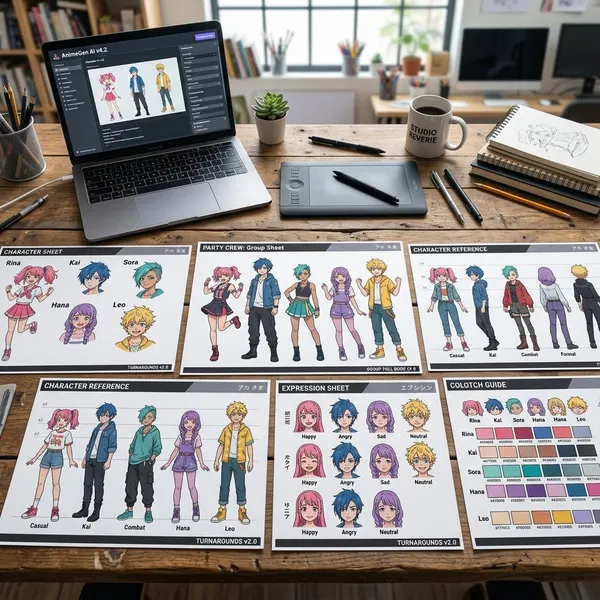
Character sheets are worth making once you plan to reuse the party. A simple sheet can include front-facing portrait, side notes, color palette, outfit details, expression examples, and personality cues.
They are especially helpful when you pause a project and return weeks later. Instead of guessing how the scout's jacket looked or how the mage usually speaks, you have a stable reference ready before generating new scenes.
Conclusion
Anime AI party characters work best when you treat them as a reusable cast, not a pile of separate images. Start with roles, lock in visual anchors, test personalities, and save the settings that produce reliable results; that gives you a team you can expand without losing what made each character recognizable.