A 3d motion comic is usually the right format when you want comic artwork to feel cinematic without turning the whole project into full animation. The first things to check are simple: do you already have strong artwork, can it be separated into layers, and does the story need atmosphere more than detailed character acting?
What Is a 3D Motion Comic?
A 3D motion comic is an illustrated video format that uses layered comic art, depth, camera movement, sound, and editing to make still artwork feel more alive. It keeps the visual identity of a comic, but presents it with the pacing and mood of a short film or trailer.
A mix of comic art and cinematic movement
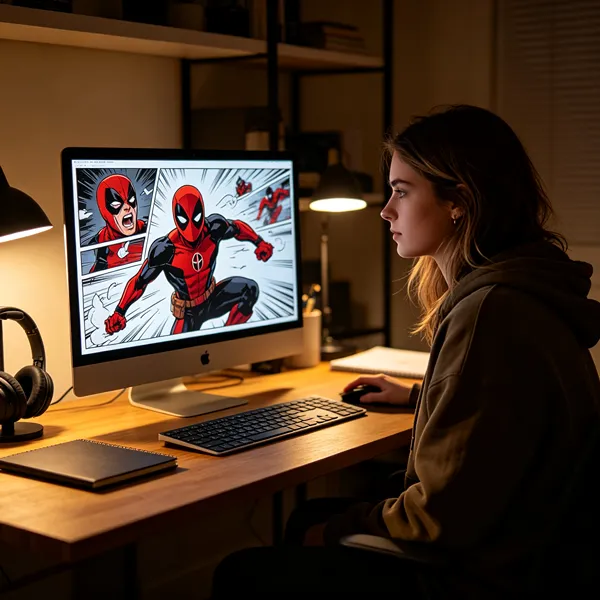
The appeal is in the balance. Panels, dramatic poses, speech, painted backgrounds, and stylized lighting still feel like comic storytelling, while camera pushes, pans, cuts, music, and sound effects add tension and rhythm.
A quiet close-up might only need a slow zoom and subtle breathing movement. An action reveal may need camera shake, sparks, smoke, and a sharper cut. The motion should support the illustration instead of covering it up.
A format between comics motion design and animation
This format sits between a standard motion comic and traditional animation. A basic motion comic may use panel reveals, sliding artwork, narration, and simple effects. Full animation usually depends on more complete character movement, acting, lip-sync, and scene continuity.
A 3D motion comic is useful when you want a richer viewing experience but do not need every gesture animated. For example, an indie creator adapting a finished comic chapter may only need depth, narration, and a few selective movements. A studio making a character-driven series with lots of dialogue may need a heavier animation workflow instead.
A way to add depth to illustrated stories
Depth is created by separating the image into foreground, character, midground, background, lighting, and effect layers. When the camera moves, closer objects shift faster than distant ones, creating parallax.
- Works well: dramatic reveals, landscapes, fantasy scenes, game lore, horror mood pieces, and teaser trailers.
- Needs caution: close-up acting, complex fights, comedy timing, or scenes where characters must move naturally for a long time.
- Check first: whether hidden areas behind characters can be repainted, because camera movement can expose missing background details.
3D Motion Comic vs Motion Comic and Animation
The main difference is not just how much movement appears on screen. It is how the scene is built. A 3D motion comic uses layered space and camera depth, while a standard motion comic often stays closer to flat panel movement. Traditional animation gives the most performance freedom, but it also demands more production work.
Differences in visual structure
A 3D motion comic is structured like a staged scene. Characters, props, backgrounds, atmosphere, and lighting can sit on separate planes, allowing the camera to move through the artwork instead of simply zooming into a flat page.
A standard motion comic can still look polished, but it usually relies more on cuts, panel movement, text, and limited effects. Traditional animation goes further by building movement into the characters themselves, not just the scene around them.
Differences in production methods
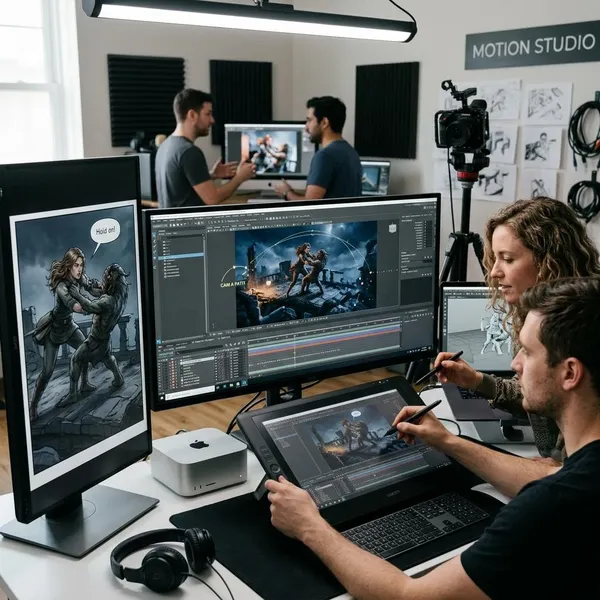
The workflow for a 3D motion comic starts with preparing artwork for motion. That often means cutting out characters, extending backgrounds, naming layers clearly, and deciding which parts of a scene deserve movement.
| Format | Best fit | Main production challenge |
|---|---|---|
| Standard motion comic | Fast adaptations, simple story videos, narrated panels | Avoiding a flat slideshow feel |
| 3D motion comic | Trailers, stylized storytelling, atmospheric comic adaptations | Preparing clean layers and believable depth |
| Traditional animation | Acting-heavy scenes, complex action, recurring character performance | Time, budget, rigging, drawing, or animation labor |
Differences in cost and creative flexibility
A 3D motion comic is often more flexible when strong artwork already exists. You can reuse comic pages, key art, or concept art and turn them into video without rebuilding the entire project as animation.
That does not make it automatically cheap. Poorly prepared artwork, long camera moves, heavy effects, or too many speaking characters can still increase production time. The smartest use is selective: spend effort on the shots that carry the story, and keep simpler shots clean rather than busy.
How Does a 3D Motion Comic Work?
The workflow is easiest to understand as four connected steps: prepare the art, build depth, animate selectively, and finish with sound and editing. The biggest mistake is jumping into camera movement before the artwork is ready.
Preparing artwork and visual assets
Artwork preparation decides how good the final piece can look. A finished illustration may need to be separated into characters, props, shadows, background sections, sky, light, and effects. If a character blocks part of a wall or street, that missing area may need to be painted in before the camera moves.
- Start with clean layers: messy files slow down every later stage.
- Extend backgrounds: small camera moves can reveal empty edges.
- Plan motion early: not every panel needs depth, but key shots should be built for it.
Building scenes with layers and depth
Once the assets are ready, each layer is placed into a compositing or 3D environment at different distances from the camera. Foreground objects may sit close, characters in the middle, and buildings or skies further back.
This is where a still illustration starts to feel spatial. A simple alley scene can become more immersive if the foreground sign, main character, fog, and far buildings move at different speeds during a camera push.
Adding camera movement and effects
Camera movement should have a reason. A slow push-in can focus attention on fear or realization. A side move can reveal a hidden object. A quick shake can make an impact feel heavier.
Effects work best when they add atmosphere rather than noise. Smoke, rain, glow, embers, dust, or motion blur can help, but too many effects can make the artwork look cheaper instead of more cinematic.
Combining visuals sound and editing
Sound often does more than viewers notice. A quiet room tone, distant thunder, footsteps, a sword draw, or a low music swell can make limited motion feel intentional. Without good timing and audio, even attractive visuals may feel like animated wallpaper.
For a short social clip, the edit may need to reach the key visual fast. For a game lore trailer or comic teaser, slower pacing can work if each shot builds mood or story information.
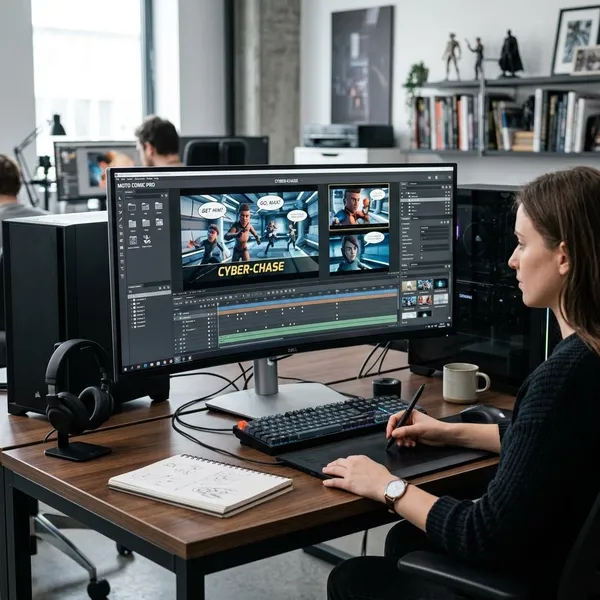
Best Tools for Creating 3D Motion Comics
The best toolset depends on how much depth, character movement, and polish the project needs. Most workflows use more than one program: one for preparing art, one for compositing or 3D staging, and sometimes another for character animation or audio.
A practical beginner setup might be Photoshop plus After Effects. A more ambitious trailer may add Blender for deeper camera work and 3D environments.
Blender for 3D scenes and camera work
Blender is a strong option when the scene needs real spatial control. It can handle cameras, 3D objects, lighting, environments, and illustrated planes inside the same project.
It makes sense for fantasy cities, sci-fi corridors, game trailers, vehicles, or any shot where a flat layer setup would feel too limited. The trade-off is learning time, so it may be unnecessary for a simple narrated comic episode.
After Effects for compositing and motion effects
After Effects is often the central tool for layered motion comic work. It can import Photoshop layers, create 3D camera movement, add effects, animate text, adjust timing, and combine scenes into a polished sequence.
- Good for: short promos, comic teasers, social videos, and layered parallax scenes.
- Less ideal for: heavy 3D modeling or complex character animation.
- Practical advantage: it lets designers move quickly once the art is prepared properly.
Photoshop for artwork preparation
Photoshop is where many 3D motion comic problems are either solved early or created accidentally. Clean masking, background extension, retouching, and layer organization make later animation smoother.
If the source art comes from a finished comic page, Photoshop is usually where panels become usable video assets. This step is less exciting than camera animation, but it is often more important.
Cartoon Animator for character movement
Cartoon Animator can help when characters need facial animation, dialogue, simple body motion, or repeatable actions without redrawing every frame. It is not required for every 3D motion comic.
Use it when character performance matters. If the project is mainly about mood, world-building, and dramatic still art, layered camera work may be enough.
Best Uses for 3D Motion Comics
A 3D motion comic is strongest when style, story, and efficiency matter at the same time. It is not the best answer for every video project, but it works especially well when existing artwork can become the foundation for something more cinematic.
Comic adaptations and digital storytelling
Comic adaptations are one of the clearest use cases. A creator with finished pages can turn selected scenes into episodes, teasers, or chapter previews without starting over from blank animation assets.
This is a good fit for testing audience interest before committing to a larger production. It is less suitable if the story depends on subtle acting in almost every scene, because limited motion may start to feel stiff.
Game trailers and entertainment content
Game studios can use 3D motion comics for lore videos, character introductions, faction backstories, or campaign teasers. This works especially well when concept art is already strong and the goal is to sell tone before showing gameplay.
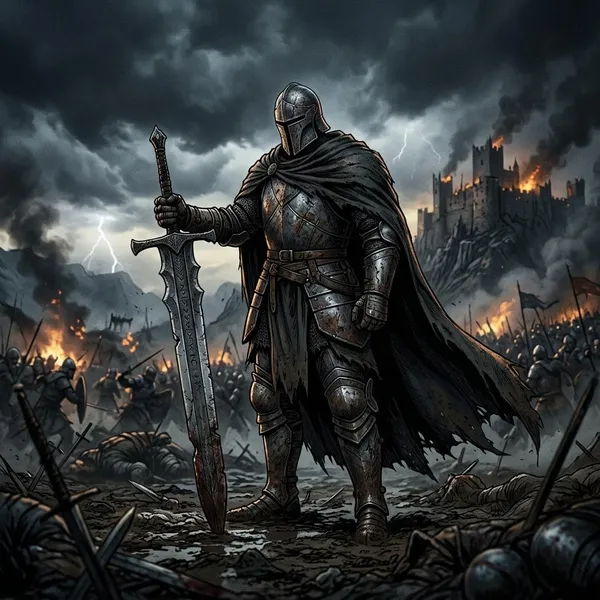
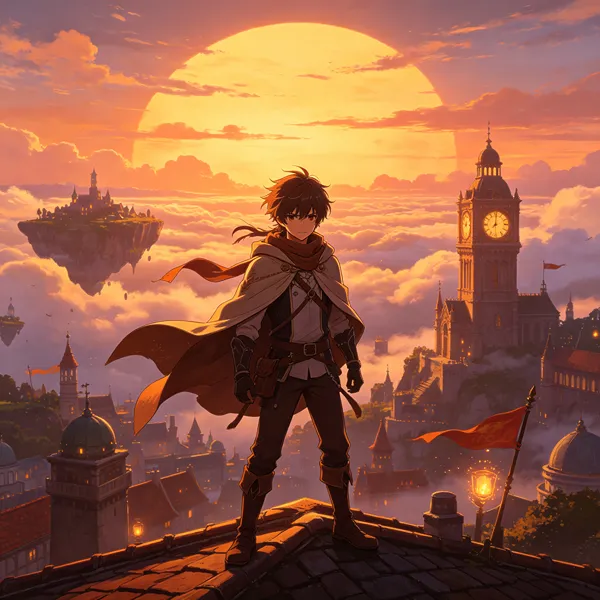
A horror game might use slow parallax, distant sounds, and flickering light. A fantasy RPG might use sweeping camera moves over illustrated battlefields. In both cases, the format can create scale without requiring a full cinematic animation pipeline.
Brand campaigns and marketing videos
Brands can use this style when a normal explainer feels too plain and live action does not match the campaign. It works well for origin stories, product worlds, event launches, and campaigns that already have a strong illustrated identity.
Social media and promotional content
Social media rewards fast visual recognition. A 3D motion comic can turn one illustrated scene into vertical clips, teaser cuts, character reveals, countdown posts, or short story moments.
- For occasional promotion: make one strong hero scene and cut it into shorter versions.
- For an ongoing campaign: build a repeatable visual system so each clip feels related without looking copied.
- For small teams: avoid overbuilding every shot; save the most detailed depth work for the moments people will remember.
Conclusion
A 3D motion comic is a smart choice when you have artwork worth preserving and want to add cinematic energy without taking on the full weight of traditional animation. Start by judging the source art, the amount of character performance needed, and the final platform; if depth, mood, and efficient reuse matter most, this format can be a very practical middle ground.