AI motion comics are a practical way to turn comic panels into watchable video without building a full animation pipeline. They work best when your story depends on mood, dialogue, reveals, or strong artwork, while full animation is still the better choice for detailed action, acting, or choreography.
What Are AI Motion Comics?
AI motion comics are comic-style videos made from still panels, illustrations, or generated images, then enhanced with movement, sound, voice, and editing. The "AI" part may help with scripting, image generation, image-to-video motion, voiceover, cleanup, or editing, but the format itself is still built around comic storytelling.
AI-generated comics with movement and sound
AI can help create the pieces of a motion comic faster: a short script, character designs, scene images, animated clips, narration, music cues, and subtitles. That makes the format useful for solo creators, small teams, and anyone testing a story before investing in a larger production.
Sound is not optional if you want the result to feel finished. Even simple room tone, footsteps, a door creak, or a low music bed can give still images weight. A silent panel that looks flat may become tense once the timing and audio are right.
Turning static panels into animated scenes
The usual method is selective motion, not full character animation. You might pan across a city panel, zoom into a character's face, separate foreground and background for parallax, add rain or smoke, or use an AI video tool to create a short movement from one source image.
A good first test is a three-panel scene: wide shot, close-up, reveal. If those three moments are clear and consistent, the workflow is probably worth expanding. If the character changes face, the camera motion feels random, or the audio distracts from the scene, fix that before making ten more panels.
A format between comics and full animation
Motion comics sit between static comics and traditional animation. They keep the bold framing and visual shortcuts of comics, but borrow timing, sound, and movement from video.
- Best fit: mood-driven stories, dialogue scenes, horror, romance, mystery, fantasy narration, trailers, and short social clips.
- Weaker fit: martial arts, dance, slapstick comedy, or scenes where precise body movement is the main appeal.
- Useful middle ground: a creator can test a story idea before deciding whether it deserves full animation later.
AI Motion Comics vs Animation
The difference comes down to how much original motion you need. Animation is built around movement from the start. Motion comics begin with finished images and add enough motion, sound, and timing to make them work as video.
That does not make one format automatically better. A short supernatural teaser may feel stronger as a motion comic because the stillness adds tension. A fast chase scene, on the other hand, usually needs animation because the audience expects fluid movement and clear physical action.
Differences in production process
Traditional animation usually needs more planning around poses, in-between movement, character acting, timing, and sometimes lip sync. Even with AI assistance, the creator has to control how movement behaves from shot to shot.
A motion comic pipeline is lighter: write the scene, plan the panels, create or prepare artwork, animate selected parts, add audio, then edit the sequence. For a beginner, that can mean finishing a short proof of concept in days instead of trying to build a full animated episode immediately.
Differences in motion quality and cost
Motion comics usually cost less because they demand less movement. They also tolerate a more stylized rhythm: held frames, slow pushes, hard cuts, and dramatic pauses can all feel natural in a comic-based video.
| Project need | Better choice | Why |
|---|---|---|
| Dialogue-heavy scene | Motion comic | Strong panels, voice, and timing can carry the emotion. |
| Fight choreography | Animation | The viewer needs clear, continuous movement. |
| Story trailer or pitch | Motion comic | Faster to test without committing to a large pipeline. |
| Expressive acting close-ups | Depends | Motion comics work for subtle mood; animation works better for detailed performance. |
Differences in creative use cases
Choose motion comics when the artwork already does a lot of storytelling. A haunted hallway, a tense confession, or a fantasy character reveal may only need camera movement, controlled pacing, and good sound design.
Choose animation when movement is the story. If the audience needs to understand how a character jumps, fights, dances, reacts physically, or performs a joke through motion, limited panel movement will probably feel too stiff.
How to Create AI Motion Comics Step by Step
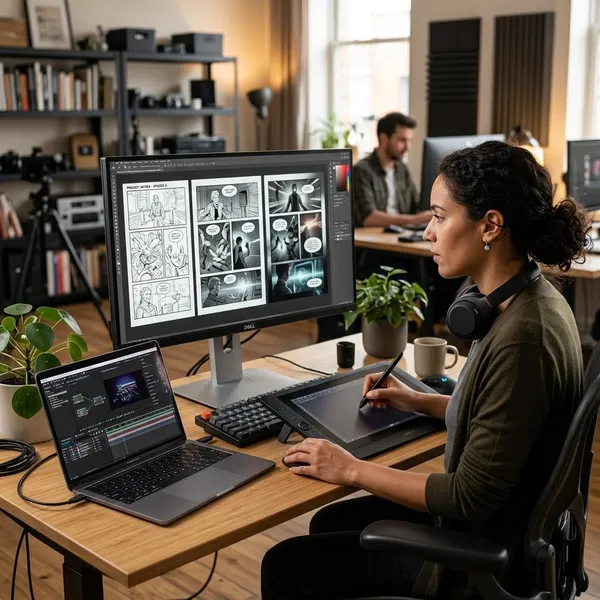
The safest way to start is small. Build one short sequence before making a full episode: one scene, one setting, one emotional turn, and only a few panels. That gives you enough material to test the whole workflow without creating a mess of mismatched images and unused clips.
Plan the story and panel structure
Start with a scene that can be understood visually. A character finds a message, hears something behind a door, or makes a decision after seeing a clue. That kind of simple structure gives every panel a job.
- Write one clear beat: do not begin with a whole season or a long lore dump.
- Break it into panels: entrance, reaction, reveal, consequence.
- Note timing early: mark which panels need a pause, a zoom, a cut, or a sound cue.
- Cut extra dialogue: spoken lines feel longer in video than they look on a page.
Create or prepare consistent artwork
Artwork can come from AI image generators, hand-drawn panels, licensed assets, or existing comic pages you have the right to use. The main challenge is not making one beautiful image; it is making several images feel like they belong to the same story.
Before generating a full scene, create a basic character reference: face, hairstyle, outfit, color palette, age range, and any signature prop. A cracked pendant, red jacket, or specific hairstyle can become a useful visual anchor. Without anchors, AI tools often drift from panel to panel.
Animate panels with camera movement
Use motion to direct attention, not to show off the tool. A slow push-in can tell the viewer "this matters." A sideways pan can reveal information. A sudden cut can create surprise. Random movement usually makes the panel feel less professional.
If you use image-to-video AI, generate short clips and keep only the strongest moments. A two-second stable motion is more useful than an eight-second clip where the face, hands, or background start to warp.
Add voice sound effects and music
Voice and sound effects decide whether the motion comic feels like a finished video or just moving artwork. Keep dialogue clean, leave enough silence around important moments, and avoid music that fights the voice.
- Dialogue scenes: prioritize clear speech and natural pauses.
- Horror or mystery: use restraint; one distant sound can be stronger than constant noise.
- Action teasers: sharper cuts and heavier impacts help, but do not bury the story beat.
Edit and export the final video
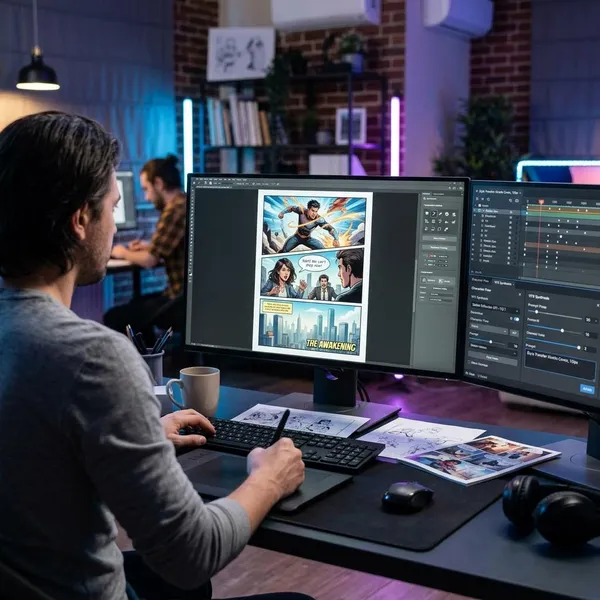
Editing is where the motion comic becomes readable. Arrange the panels in story order, trim weak AI motion, balance audio levels, add subtitles if needed, and export for the platform you actually plan to use.
Check the final version on a phone before publishing. A horizontal composition may look great on a desktop but lose important faces or text on a vertical feed. If the main audience is on TikTok, Reels, or Shorts, plan the framing for that earlier instead of cropping at the end.
Tools for Creating AI Motion Comics
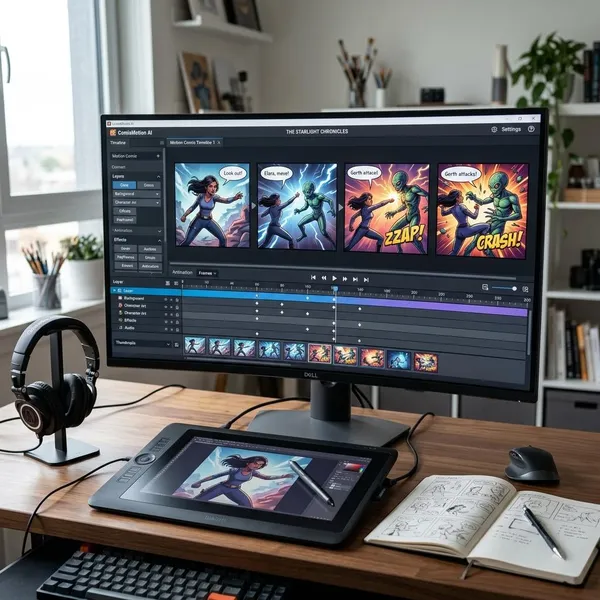
You do not need a perfect tool stack to begin. You need one reliable tool for each stage: planning, images, motion, audio, and editing. The best setup is the one you can repeat without losing character consistency or spending all your time moving files around.
AI writing and story planning tools
Writing tools such as ChatGPT, Claude, or similar assistants can help turn an idea into scene beats, panel notes, dialogue drafts, and pacing options. They are especially useful when you know the mood but do not yet know how to divide it into shots.
Use them for structure, then read the dialogue aloud yourself. If a line sounds stiff, too explanatory, or too long for the moment, rewrite it before recording or generating voice.
AI image generation tools
Image tools such as Midjourney, Stable Diffusion, DALL·E, and similar platforms can create characters, locations, props, and panel variations. Pick based on the control you need. A beginner may prefer speed and simple prompting, while a series creator may need references, model control, or repeatable character workflows.
Set the aspect ratio before you generate too much. A vertical short, a YouTube landscape video, and a comic-page layout need different framing. Late cropping is one of the easiest ways to ruin an otherwise good panel.
AI animation and video tools
AI video tools such as Runway, Pika, Morphic, and similar platforms can animate still images or create short motion clips from prompts. They are useful for breathing life into panels, but they can also introduce warping, strange hands, unstable faces, or unwanted camera movement.
Traditional editing tools still matter. CapCut, DaVinci Resolve, Premiere Pro, and After Effects can create clean pans, zooms, parallax, cuts, titles, subtitles, and audio timing. In many cases, the best result comes from using AI for small pieces of motion and an editor for control.
Audio and editing tools
AI voice tools can be useful for narration, character dialogue, or placeholder audio. Human voice acting may still be better when emotional performance matters. For cleanup and mixing, use the audio controls in your editor or dedicated tools if the project needs more polish.
- Fast beginner stack: writing assistant, simple image generator, CapCut, and one voice tool.
- More control: Stable Diffusion or reference-based image workflow, AI video tool, and DaVinci Resolve.
- Series workflow: saved character references, reusable prompt templates, consistent voice settings, and a fixed export format.
Conclusion
AI motion comics are worth trying when you want cinematic storytelling without the cost and complexity of full animation, but they work best with limits: a short scene, consistent characters, controlled motion, and audio that supports the mood. If your idea needs subtle tension or a polished story teaser, start with a few panels; if it needs complex movement, treat motion comics as a pitch or stepping stone rather than the final format.