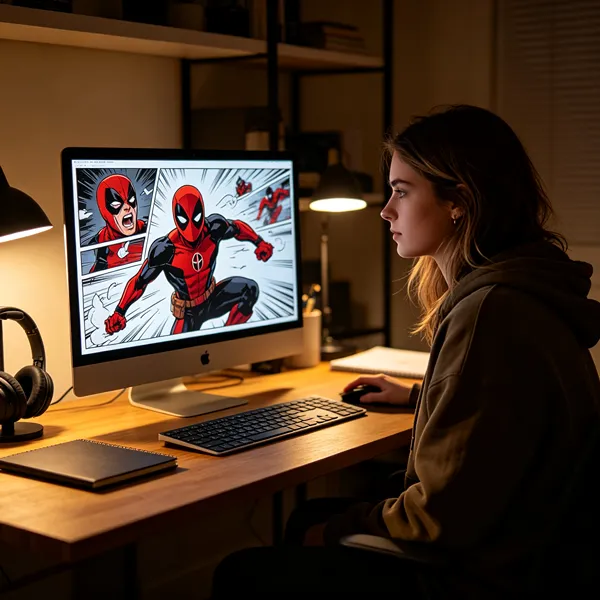
An animated comic strip is a comic-style story that keeps panels, captions, and speech bubbles, but adds selected movement, timing, and sometimes sound. It is a good choice when you want static artwork to feel more alive without producing a fully animated short. The first thing to check is simple: can your artwork be separated into useful layers, and does the story benefit from controlled timing?
What Is an Animated Comic Strip?
An animated comic strip uses the language of comics but presents it in a timed format. Instead of asking the reader to move through panels at their own pace, you decide when a panel appears, when a speech bubble lands, and which small details move.
The format works best when the movement supports the drawing rather than takes over. A blinking eye, drifting smoke, a slow panel push-in, or a short sound cue can be enough to change how a scene feels.
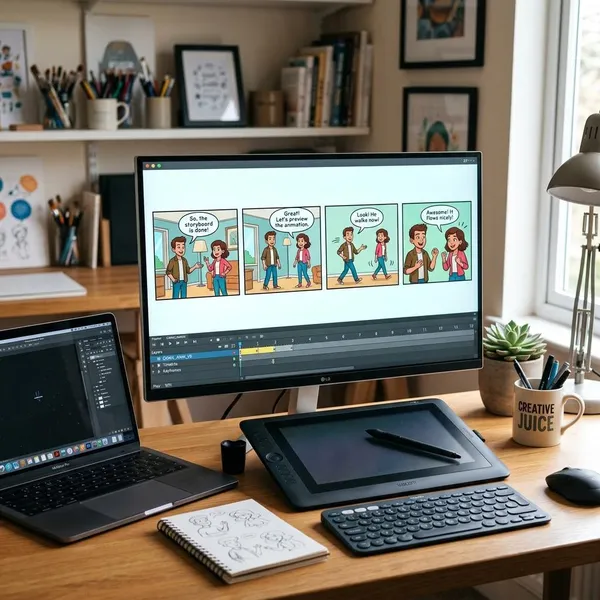
A comic strip with movement and sound elements
The core is still a comic strip: illustrated panels, characters, lettering, and visual storytelling. The difference is that selected parts can move, such as a character's expression, a background effect, or the camera framing.
- Motion: small movements like blinking, zooming, shaking, sliding, or fading.
- Sound: music, ambient noise, dialogue, or simple effects.
- Timing: controlled pauses, reveals, and transitions between panels.
For a short comedy strip, timing might matter more than motion. For a dramatic panel, a slow zoom and quiet audio may do more than animating the whole character.
A format between comics and animation
This format sits between static comics and full animation. It keeps the graphic style and panel-based structure of comics, but borrows timing, camera movement, and audio from video.
That middle ground is useful for solo creators. If you want a short social clip, a lightly animated panel may be enough. If you want a polished episode with voice acting and cinematic edits, you may be moving closer to motion comics or limited animation.
A way to add life to static artwork
Animated comic strips are especially practical when you already have artwork. A finished panel can often be reused if you separate the background, character, props, effects, and text into layers.
If the art is completely flattened, you can still animate it with camera movement or simple cuts, but you will have fewer options. For example, you can zoom into a face, but you cannot easily move the eyes unless you cut and rebuild that part of the image.
How Is an Animated Comic Strip Different From Other Formats?
The main difference is the amount of movement and who controls the pacing. Traditional comics let the reader decide the speed. Full animation controls nearly everything through continuous motion. Animated comic strips sit in the middle: the comic look stays, but the creator controls timing and selected movement.
Traditional comic strips with static panels
Traditional comic strips are still images. The reader controls how long to look at each panel, when to reread a line, and how quickly to move forward.
That freedom is part of the charm, especially for jokes and visual details. The trade-off is that sound, pauses, and movement must be suggested through drawing, lettering, and layout rather than actually timed.
Motion comics with animated panels
A motion comic is usually more video-like. It often uses comic art with voice acting, music, scene transitions, camera movement, and a more polished episode structure.
An animated comic strip can overlap with a motion comic, but it is often shorter and simpler. A creator making a 15-second vertical comic clip for social media might call it an animated comic strip, while a 10-minute voiced adaptation of a comic chapter usually feels more like a motion comic.
Full animation with complete movement
Full animation aims for continuous movement across characters and scenes. That gives more freedom, but it also means more drawing, rigging, timing, cleanup, and revision.
An animated comic strip is not the best choice when the viewer needs to see every physical action clearly. It is better when you can suggest action through smart framing: a panel shake, a cut to a reaction, a speed-line effect, or a sound cue.
How to Make an Animated Comic Strip
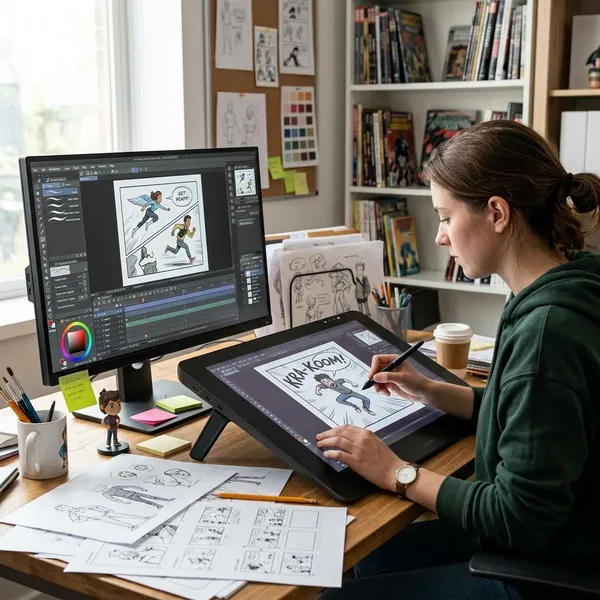
Start smaller than you think. One panel, one joke, one reaction, or one short conversation is enough for a first test. A finished 20-second piece teaches more than a huge project that never gets past the asset folder.
Before choosing software, decide three things: where the strip will be watched, how much movement it really needs, and whether the art is layered. A vertical phone clip, a YouTube scene, and a portfolio sample all need slightly different pacing and export choices.
Prepare artwork and separate visual layers
Good layer preparation is usually more important than fancy animation. At minimum, separate the background, main character, foreground objects, speech bubbles, and effects such as smoke, rain, or light.
For a close-up reaction, separate the eyes, mouth, head, and background glow. That lets you create a readable emotional shift with only a few keyframes. If everything is merged into one flat image, the same shot becomes much harder to adjust cleanly.
Add motion with animation tools
Use motion where the viewer's attention should go. If the important moment is a character realizing something, move the eyes or camera framing. If the setting matters, animate light, rain, fog, or depth instead.
Create timing with transitions and camera movement
Timing decides whether the strip feels like a story or a slideshow. A cut can create surprise, a slow pan can build tension, and a quick zoom can help a punchline land.
- For comedy: hold the reaction briefly before revealing the final line.
- For suspense: delay the reveal and use slower camera movement.
- For dialogue: reveal speech bubbles in a readable order.
- For mobile viewing: test text size and speed on a phone, not only on a desktop.
Add audio and finalize the video
Audio can make limited movement feel much richer. A room tone, a footstep, a page turn, or a small impact sound may do more than adding another animated layer.
Keep the mix simple. Dialogue should stay clear, music should not cover important lines, and sound effects should mark story beats rather than play constantly. Before publishing, watch once without sound to check visual clarity, then again with sound to judge mood and rhythm.
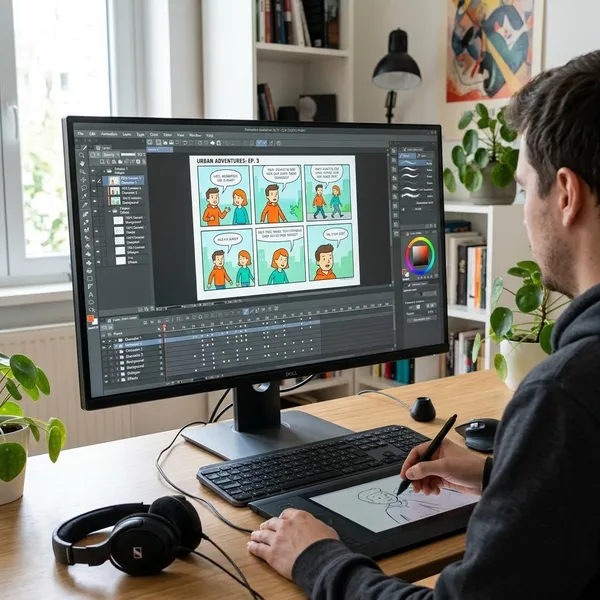
Best Tools for Creating Animated Comic Strips
The best tool depends on the part of the workflow you need help with. Some tools are better for preparing artwork, while others are better for motion, effects, sound, and export.
If you are just testing the format, choose the tool that lets you finish a short sample quickly. If you are building a series, choose a workflow that keeps files organized and easy to reuse.
Photoshop for preparing comic artwork
Photoshop is useful before the animation stage. It helps you clean artwork, separate characters from backgrounds, extend hidden areas, organize speech bubbles, and export layers for another program.
It is a good fit if you already draw or color comics digitally. Even if you animate elsewhere, clean Photoshop files can save a lot of repair work later.
After Effects for motion effects
After Effects is strong for keyframes, camera moves, parallax, text reveals, lighting effects, and compositing. It is often the better choice when you want a more polished animated comic strip or motion-comic style result.
The learning curve is higher than with simple apps, so it may be too much for a one-off test. For repeated projects, though, its timeline and layer control are a major advantage.
Procreate Dreams for tablet animation
Procreate Dreams suits artists who prefer drawing and animating on an iPad. It feels more direct for sketching, testing movement, and building short comic-style clips without moving through a desktop workflow.
For quick social posts or rough prototypes, it can be enough on its own. For complex scenes with heavy compositing, you may still want to finish in a desktop tool.
Simple Techniques for Better Animated Comic Strips
Better animated comic strips usually come from restraint. The goal is not to prove that every layer can move. The goal is to make the viewer understand where to look, what changed, and why the moment matters.
A useful rule is to animate the story beat first and the decoration second. If the motion does not improve attention, mood, or readability, remove it.
Adding small character movements
Small character movements are often the safest place to start: a blink, eye shift, head tilt, shoulder drop, or slight mouth movement. These details suggest life without turning the panel into full character animation.
They are especially useful for reaction shots. A delayed blink before a speech bubble appears can make a joke feel sharper; a tiny eye movement in a quiet scene can make tension feel stronger.
Creating depth with parallax effects
Parallax works by moving foreground, character, and background layers at different speeds. It gives a flat drawing a sense of space, especially during a slow pan or zoom.
Use it lightly. If the background moves too much, the panel can feel like a cut-out stage. A small difference between layers is usually enough to make the scene feel deeper.
Timing text and speech bubbles
Text timing needs more care than many beginners expect. Viewers cannot enjoy the art if they are rushing to read the words.
For phone-first content, make speech bubbles larger and give each line a little more breathing room than you would on a desktop preview.
Matching motion with the story
The motion style should match the tone. A horror strip may need slow movement, flicker, and silence. A comedy strip can handle snappier cuts and bouncy text. A sentimental scene often works better with gentle camera drift and fewer effects.
If you are unsure, remove one movement rather than add another. The viewer should remember the scene, not the software tricks.
Conclusion
An animated comic strip is worth making when your artwork can gain something from timing, sound, and selective movement without needing full animation. Start with a short scene, keep the motion purposeful, and test it on the screen where people will actually watch it. If the story reads clearly with only a few moving parts, you are using the format well.